
How to change the password (Unofficial Visits Login)
How to change the password (Unofficial Visits Login)
※ 【Staff
And Regular Students】 verify the account password
through the academy information system (using the same account and password),
if you need to change the password, please go back to the academic information
system.
【Unofficial
Visits】 If you need to change the password of the eLearn
platform, please refer to the following methods:
Step 1: Please log in
to the eLearn system first (enter the original account number and password)

Step 2: After logging in, please click 【●●● (your name)】 → Preferences.

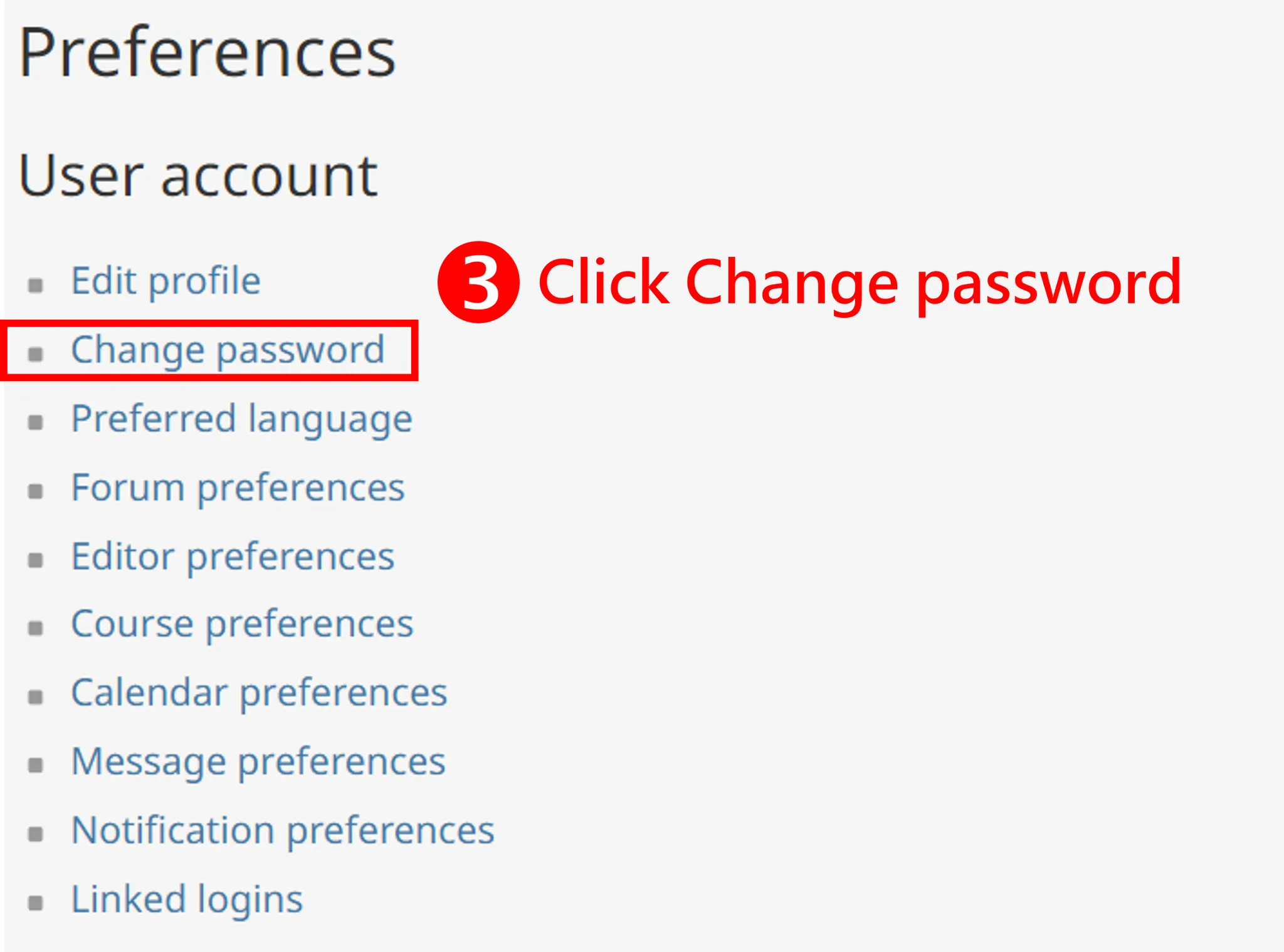
Step 3: After clicking the preference, you will enter the following page, please click 【Change Password】 in the left menu to change the password.
Step 4: Enter the current password and the new password, and then save the changes.

If you encounter any problems, please send an email (elearn@my.nthu.edu.tw), or call the campus extension 31243 or 35107, and report the problem directly to the system administrator.
To quickly understand your problem, welcome to use the screenshot and attach the file for us to help you solve the problem.